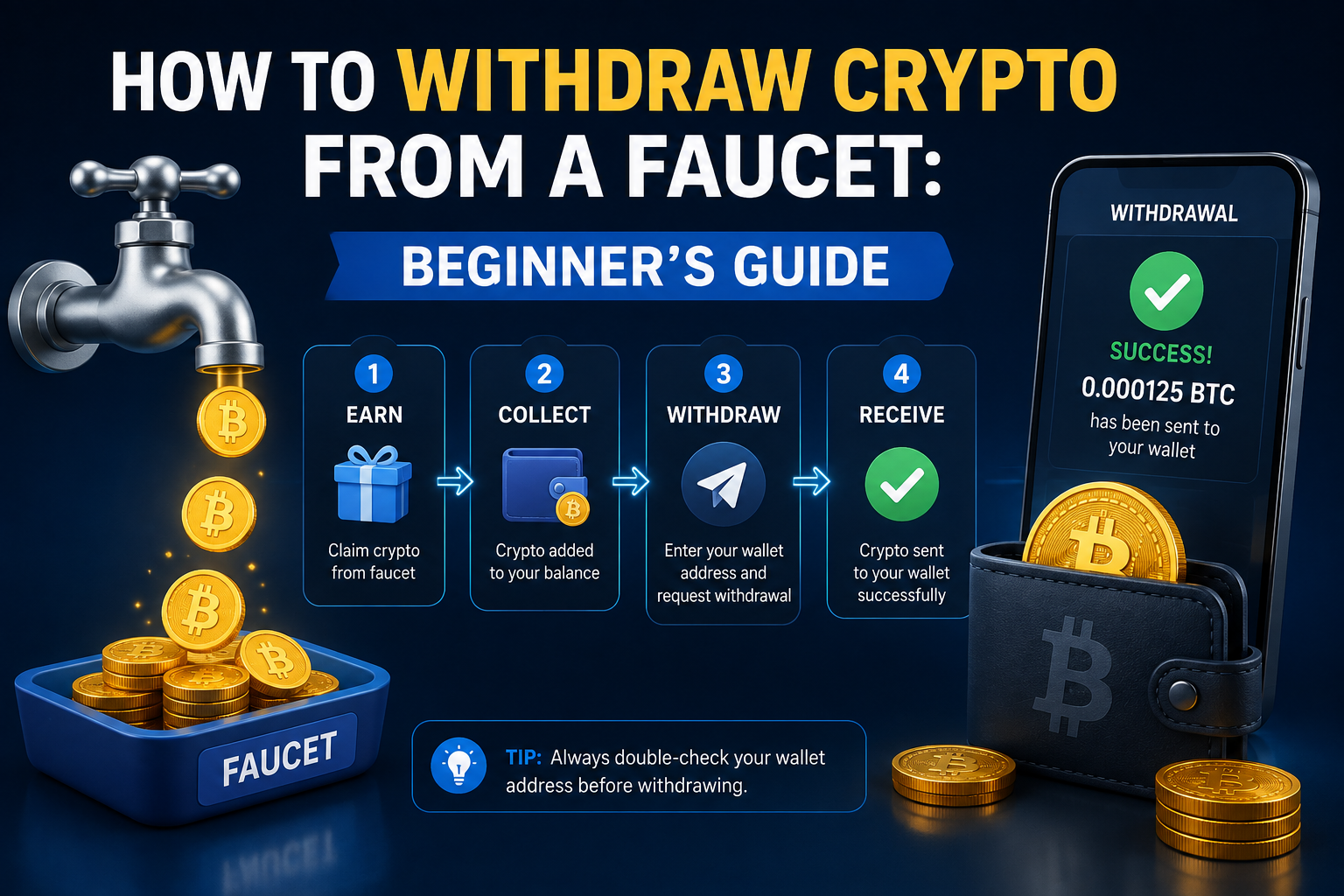
How to Withdraw Crypto From a Faucet: Beginner’s Guide
Getting cryptocurrency from a faucet can be an easy way for beginners to learn how crypto rewards work. However, receiving a reward is only one part of the process. You also need to understand how to withdraw your balance safely.
Most crypto faucets have their own withdrawal rules, minimum payout limits, supported networks, and processing times.
In this guide, we will explain the basic faucet withdrawal process and the important things beginners should check before requesting a payment.
What Is a Crypto Faucet Withdrawal?
A faucet withdrawal is the process of transferring the cryptocurrency you have earned from a faucet to a supported cryptocurrency wallet or payment address.
For example, you may complete several faucet claims and gradually build a small balance. Once your balance reaches the platform's minimum withdrawal amount, you may be able to request a payment.
The general process is:
Earn rewards → Reach minimum balance → Add wallet address → Request withdrawal → Wait for processing → Receive crypto
The exact process can be different from one faucet to another.
Step 1: Check Your Faucet Balance
Before requesting a withdrawal, first check your available balance.
Some faucets may show several types of balances, such as:
Available balance
Pending rewards
Referral earnings
Bonus balance
Withdrawable balance
Not every balance is necessarily available for immediate withdrawal.
Make sure your balance has reached the minimum amount required by the faucet.
Step 2: Check the Minimum Withdrawal
Many faucets have a minimum withdrawal requirement.
For example, a platform may require you to earn a certain amount of cryptocurrency before you can request a payout.
The minimum amount can vary depending on:
Cryptocurrency
Faucet platform
Payment method
Blockchain network
Wallet system
Always check the faucet's current withdrawal page rather than relying on information from an old article or video.
Step 3: Get Your Crypto Wallet Address
You normally need a wallet address before requesting a cryptocurrency withdrawal.
A wallet address is a unique string of letters and numbers used to receive cryptocurrency.
For example, if you are withdrawing a particular cryptocurrency, you need an address that supports that cryptocurrency and the correct network.
Never copy an address from an unknown source.
Open your own wallet, choose the correct cryptocurrency, select Receive, and copy the address provided by your wallet.
Step 4: Check the Network Carefully
One of the most important things to check before sending cryptocurrency is the network.
Some cryptocurrencies can operate on multiple blockchain networks.
A faucet may ask you to choose a network before withdrawing. Your receiving wallet must support the same cryptocurrency and network.
Sending funds using an incompatible network can result in problems or even permanent loss of funds.
Always check:
Coin → Network → Wallet address
before confirming a withdrawal.
Step 5: Enter Your Wallet Address
After checking your wallet address and network, enter the address in the faucet's withdrawal section.
Before submitting the request, compare the address carefully.
A good habit is to check the beginning and end of the address after pasting it.
Do not manually change characters in a wallet address.
Step 6: Check the Withdrawal Fee
Some platforms may charge a withdrawal fee.
The fee can be displayed as:
Network fee
Withdrawal fee
Processing fee
Service fee
The amount you receive may therefore be lower than your total faucet balance.
Always review the final payout amount before confirming the withdrawal.
Step 7: Submit the Withdrawal Request
Once everything looks correct, submit the withdrawal request.
Depending on the faucet, you may need to:
Confirm your email
Complete a security check
Enter a verification code
Complete a CAPTCHA
Confirm the withdrawal from your account
After confirmation, the withdrawal may appear as pending.
Why Is My Faucet Withdrawal Pending?
A pending withdrawal does not always mean there is a problem.
Some platforms process withdrawals manually or in batches.
Other reasons can include:
Blockchain congestion
Security checks
Faucet processing schedules
Minimum confirmation requirements
Temporary maintenance
Check the faucet's withdrawal information first before contacting support.
How Long Does a Crypto Faucet Withdrawal Take?
There is no universal processing time.
Some withdrawals may be processed quickly, while others can take longer.
The time may depend on whether the faucet sends payments immediately, processes them periodically, or requires manual review.
Once the transaction has been broadcast to the blockchain, confirmation time can also depend on the particular network.
For this reason, avoid assuming that every faucet withdrawal will arrive within the same amount of time.
How Can You Check a Crypto Transaction?
If the faucet provides a transaction ID or TXID, you can often use a blockchain explorer to check the transaction status.
A blockchain explorer can show information such as:
Transaction status
Confirmation count
Amount
Sending address
Receiving address
Transaction time
Make sure you use the correct blockchain explorer for the cryptocurrency and network involved.
What If the Crypto Does Not Arrive?
First, check whether the faucet shows the withdrawal as completed.
If you have a transaction ID, search for it using the appropriate blockchain explorer.
If the transaction exists on the blockchain and shows your correct receiving address, the issue may be related to wallet synchronization or confirmation.
If no transaction was created, contact the faucet's official support team.
Keep your withdrawal information available when contacting support.
Common Faucet Withdrawal Mistakes
Beginners can avoid many problems by checking a few simple things before withdrawing.
Using the Wrong Wallet Address
Always verify that the address belongs to the wallet where you want to receive the funds.
Choosing the Wrong Network
This is one of the most important checks.
The sending network and receiving network must be compatible.
Ignoring the Minimum Withdrawal
If your balance is below the required amount, the withdrawal may not be available.
Forgetting Withdrawal Fees
Check how much cryptocurrency will actually arrive after fees.
Using an Old Address
If your wallet provides a new receiving address, use the current address shown by your wallet and follow the wallet's instructions.
Is It Safe to Withdraw From a Crypto Faucet?
The withdrawal process itself can be straightforward, but the platform you use matters.
Before using a faucet, look for clear information about:
Withdrawal requirements
Supported cryptocurrencies
Minimum payout
Fees
Terms and conditions
Contact or support information
Be especially careful if a website suddenly asks you to send cryptocurrency first to unlock a withdrawal.
A promise such as "deposit crypto to verify your account and receive a much larger payout" should be treated with extreme caution.
Never provide your wallet's private key or recovery phrase to a faucet.
Protect Your Wallet
Your wallet recovery phrase and private keys should remain private.
A legitimate website does not need your wallet recovery phrase to send cryptocurrency to your wallet.
Never enter your recovery phrase into a random website, faucet, advertisement, form, or message.
If someone asks for it, stop and verify what you are being asked to do.
Final Thoughts
Withdrawing cryptocurrency from a faucet is usually a simple process once you understand the basic steps.
Before requesting a payout, check your balance, minimum withdrawal, fees, wallet address, and network carefully.
The most important rule is to verify the receiving address and network before confirming the transaction.
Crypto faucets can be useful for beginners who want to learn how cryptocurrency rewards and transactions work. However, rewards are usually small, and users should avoid platforms that make unrealistic earning promises.
Take your time, understand the withdrawal rules, and protect your wallet information. A few careful checks before submitting a withdrawal can help prevent expensive mistakes.